
Family schedules
View plans by day, week, month, or schedule, with color-coded entries for family members.
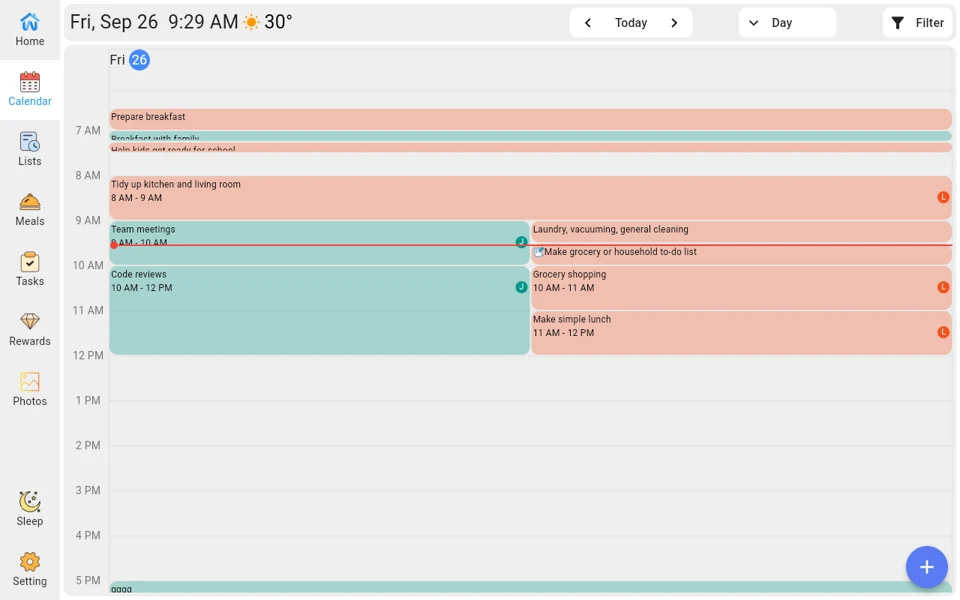
WANMINE Family Calendar
View schedules, assign chores, plan meals, and share lists on one screen.
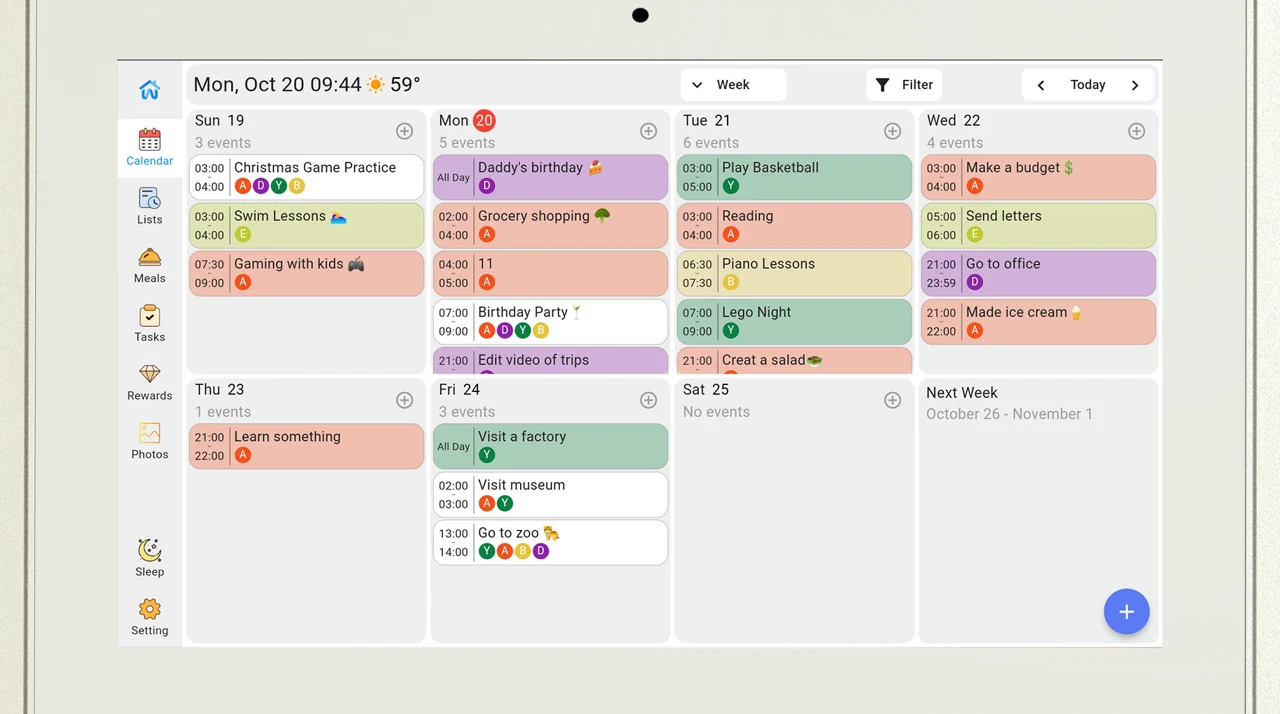
View plans by day, week, month, or schedule, with color-coded entries for family members.
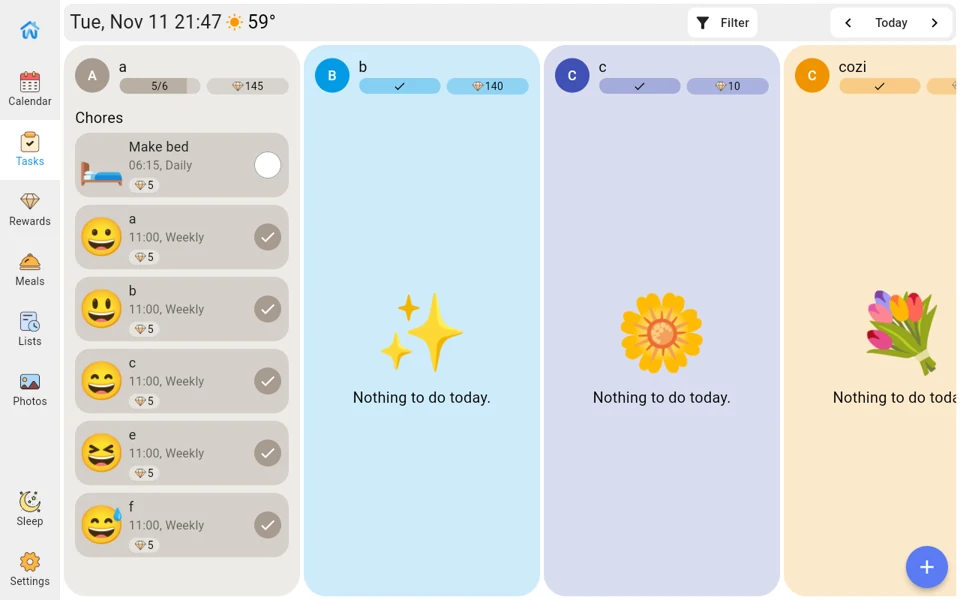
Assign chores and routines, and redeem points from completed tasks for preset rewards.
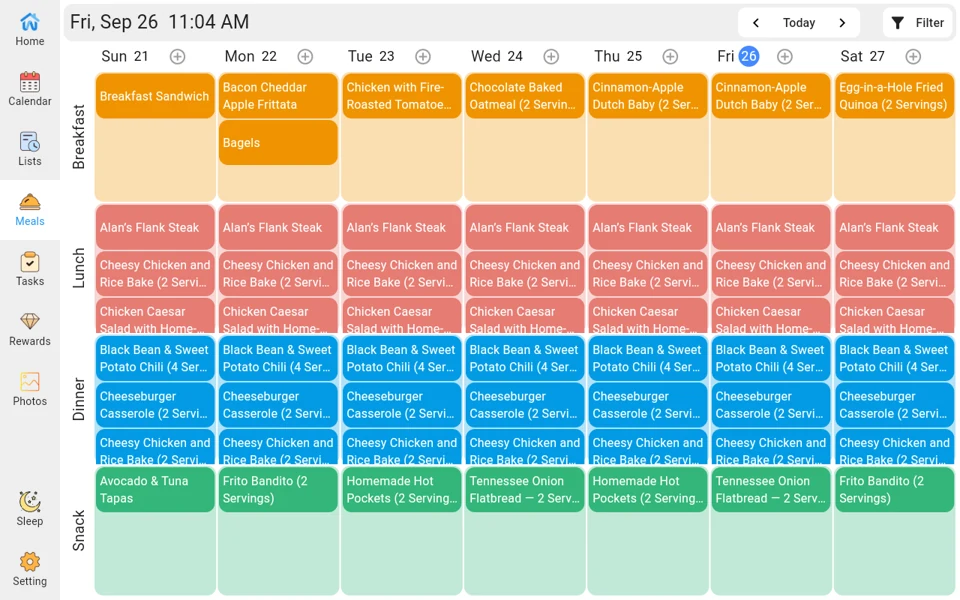
Add recipes in the mobile app and include them in your family meal plan.
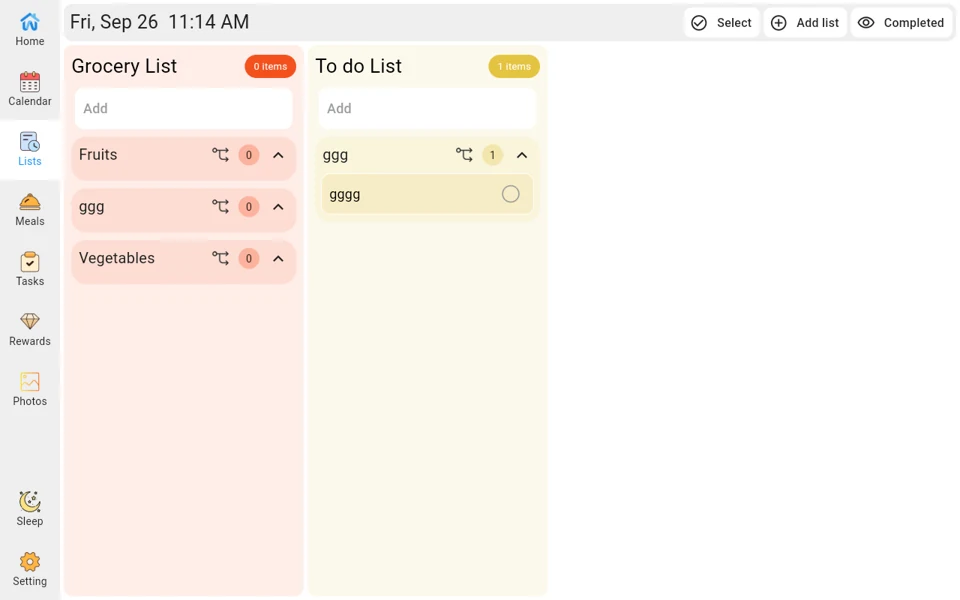
Keep shopping and to-do lists in sync between the screen and the app.
Upload photos from the mobile app and display them as a slideshow.
Leave notes and reminders on the screen for your family to see.
Add supported calendar services in the WANMINE app.
Turn on the screen, connect to Wi-Fi, and select a time zone.
Follow the device instructions to find the Wanmine app and create an account.
Follow the prompts to link the screen to a group using its device code.
Connect a supported calendar or add events, chores, and lists.
Google Calendar supports one-way or two-way event sync. Google Tasks are outside that sync.
iCloud uses a public subscription link for one-way sync. Review the events before sharing the link.
Family members request to join with the group code, and the group administrator approves them.
Add recipes in the mobile app, then include them in a meal plan.
Upload photos through the mobile app, then display them as a slideshow on the device.
Choose the actions to protect and set how long the device waits before locking.
Ask about product configurations and how the device can fit your home.